Prompt field notes
What belongs in a simple product photo prompt?
Specify the object, its material, the background, and the lighting before adding props.
 Sample
A good starting point
Product images are easier to inspect when the frame has one clear object. Name the surface or material if its appearance matters. A plain background keeps the silhouette legible; extra props can wait until the basic composition works.
What this sample can teach
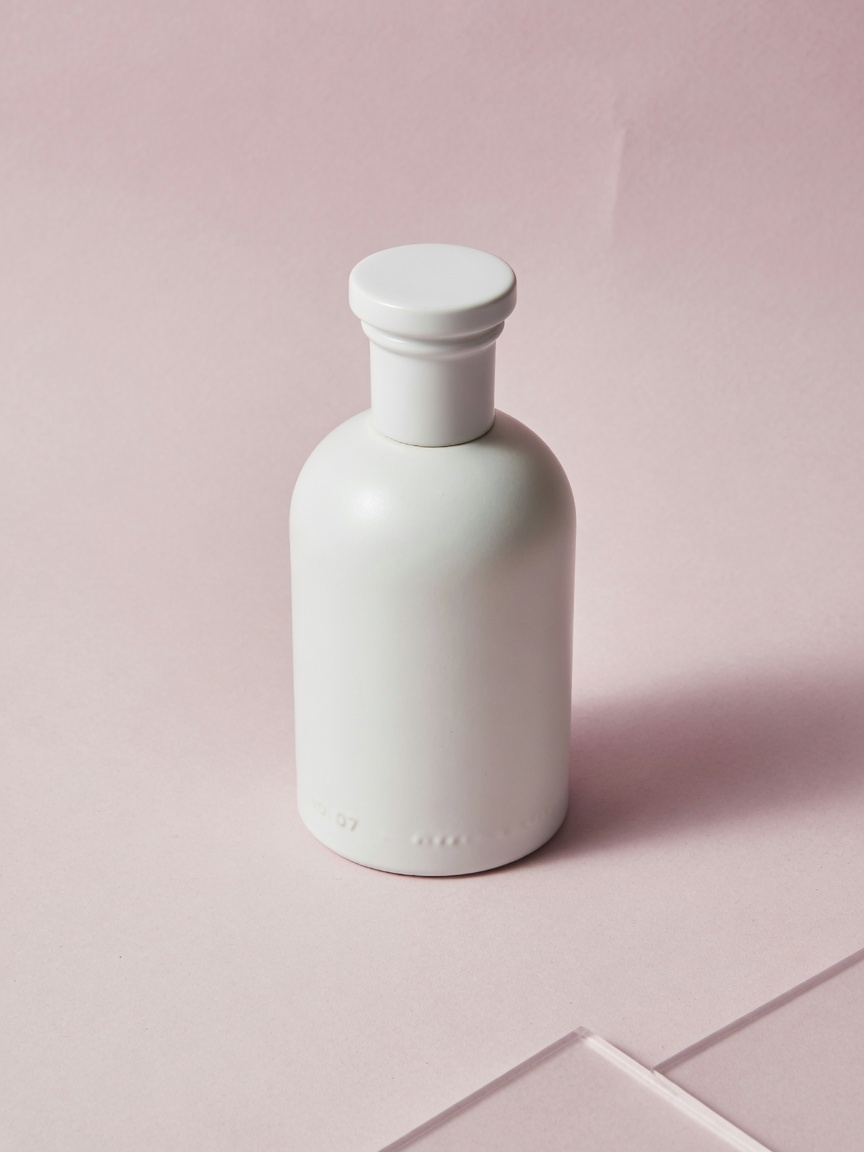
The sample asks for a white ceramic perfume bottle on a pink studio background. That gives the image a shape, texture, and color relationship without specifying a brand. It is an illustrative sample, not a product photograph for sale.
white ceramic perfume bottle on pink studio product photo
Original sample prompt
What to check in the result
Check the bottle shape and material first. Generated images can invent lettering or packaging details, so do not use them as a factual representation of a real product.
Real generation is coming soon. Until then, open this stored Sample or browse the example library. Neither action runs a model or uses credits.